Online AI Image-to-Image Generator
Reimagine photos instantly with our free online AI Image-to-Image Generator. Just upload a picture and watch it transform in seconds.
How to generate AI images from photos
Choose a high-quality image from your device. Our free Image-to-Image AI Generator supports the most common file formats, including JPG, JPEG, PNG, and WEBP.
Set the art style, lighting, color palette, and visual mood to bring your vision to life. You can also use ready-made prompts or visual AI Assistants in ChatBox to achieve the exact look you want.
Click “Transform Your Image” to generate a picture in seconds. If you’re not satisfied with the result, you can always adjust the text prompt, tweak the style instructions, or generate more variations.
Where can you use our Image-to-Image AI Generator?
Make everyday photos professional assets in seconds. Whether you’re a creator, marketer, or business owner, our free Image-to-Image AI Generator turns your ideas into polished results. Here are just a few ways you can use it:
- Social media posts Turn ordinary selfies or snapshots into eye-catching content. Apply trendy styles, change backgrounds, or even turn photos into 3D or anime-inspired art to engage your audience.
- E-commerce product visuals Upgrade your online store without expensive photoshoots. Simply upload a product photo and use our best free Image-to-Image AI Generator to place it into stunning lifestyle scenes or studio-quality backgrounds.
- Marketing materials Create custom visuals for ads, newsletters, and blog posts with minimal effort. Instantly adapt a single brand image into seasonal campaigns or various aesthetic styles to match your marketing strategy.
- Digital art and concept design Bring your wildest ideas to life. Use rough sketches or basic images as a starting point and let our Image-to-Image AI Generator turn them into detailed concept art, character designs, or digital artwork.
Why choose our AI Image-to-Image Generator
ChatBox turns your ordinary photos into stunning new visuals in seconds. It gives you flexible tools to experiment, design, and refine images exactly the way you want.
Start creating instantly with no setup or complex software. Transform images online in seconds and try the tool for free—no registration required.
Create unique visuals based on your original photos. Use text prompts to apply any style—from realistic 3D and oil paintings to anime and cyberpunk—and get results that match your creative vision.
Create crisp, detailed, and professional-quality images every time. Whether you upload a rough sketch or a simple snapshot, the AI enhances the details and turns it into a high-resolution result.
Adapt your visuals to any project with ease. Create engaging social media avatars, polished e-commerce product shots, or concept art. Adjust the mood, lighting, and format to fit your needs.
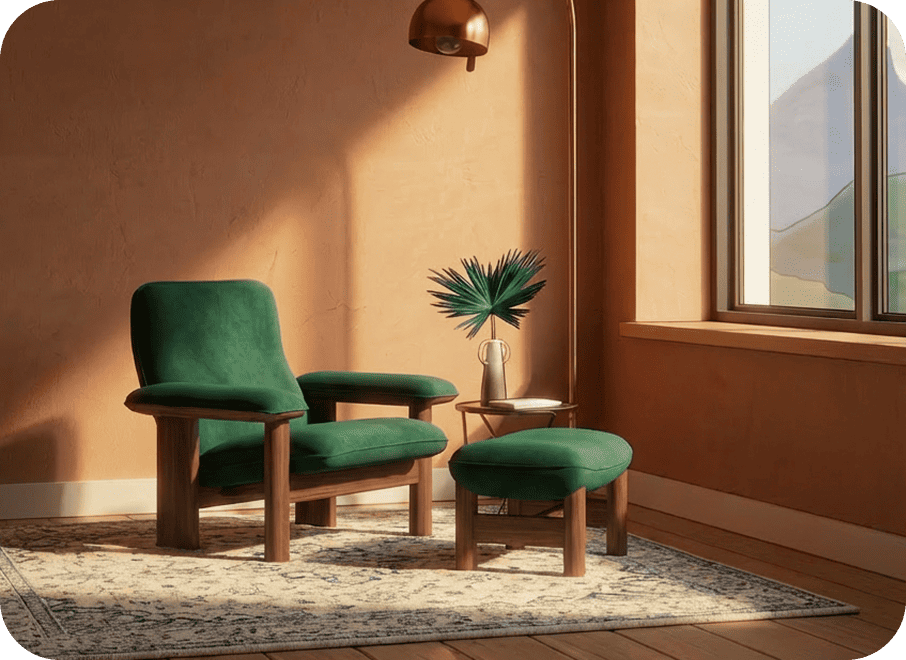
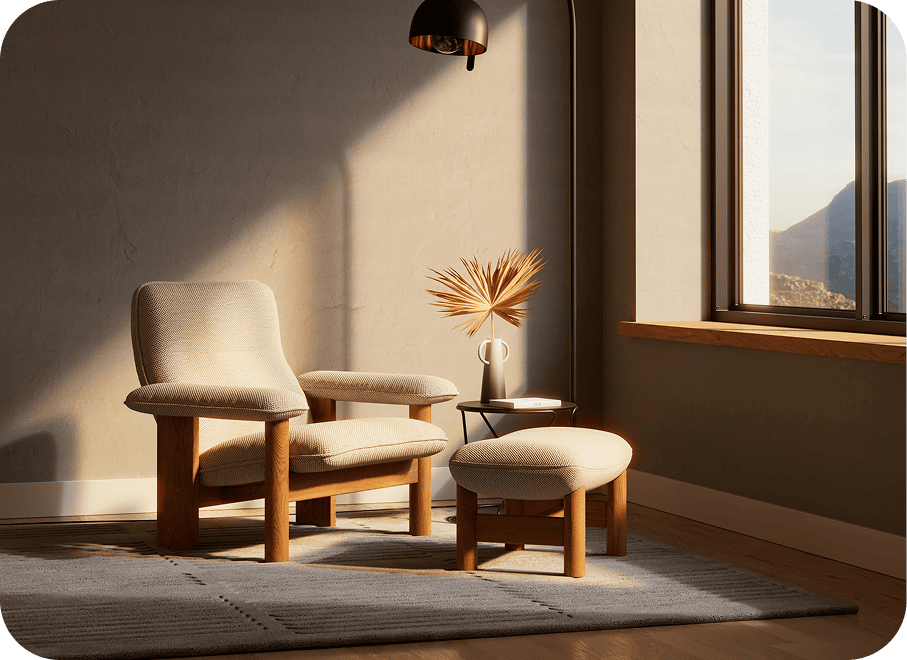
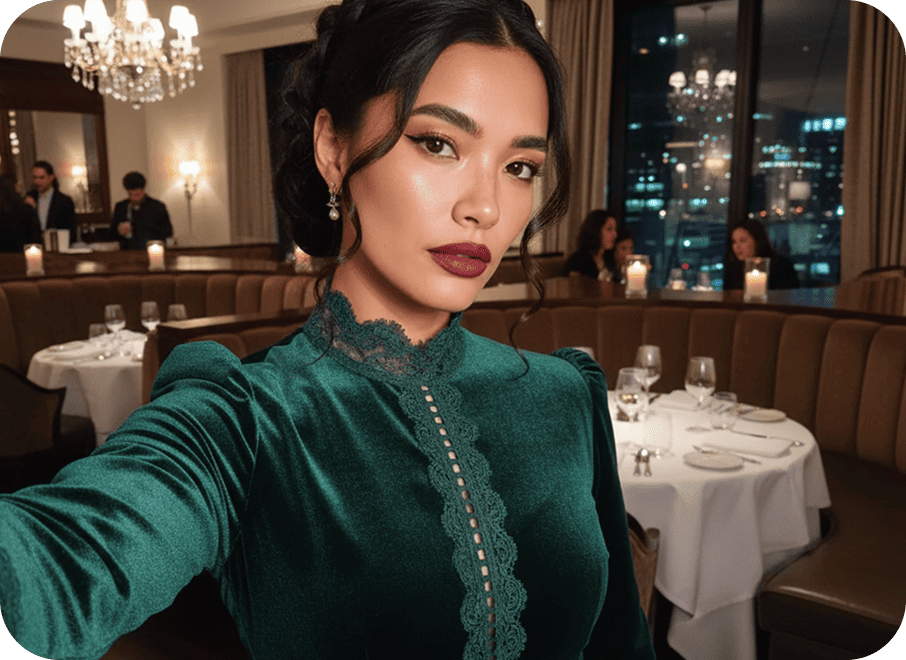
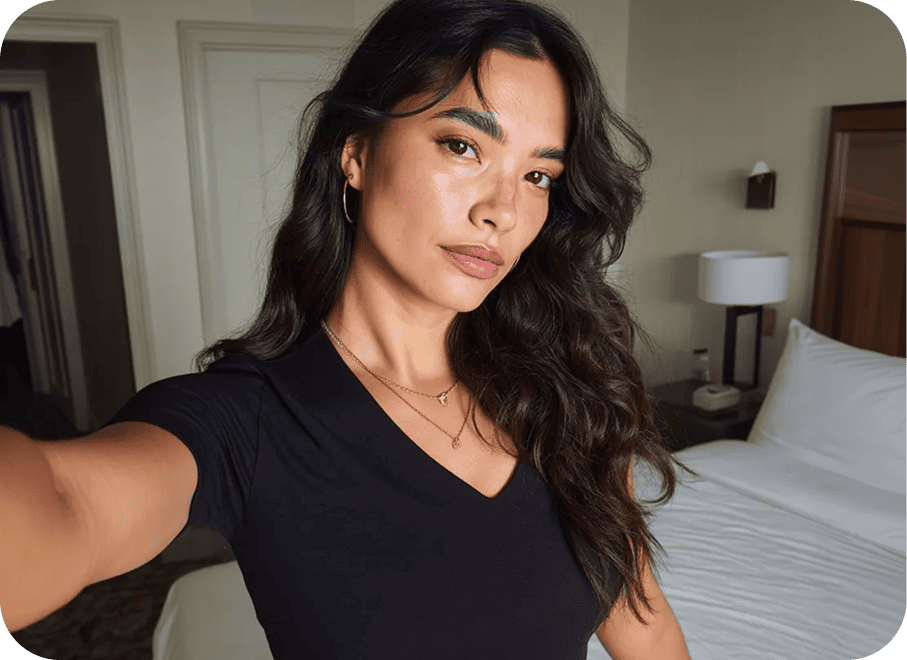
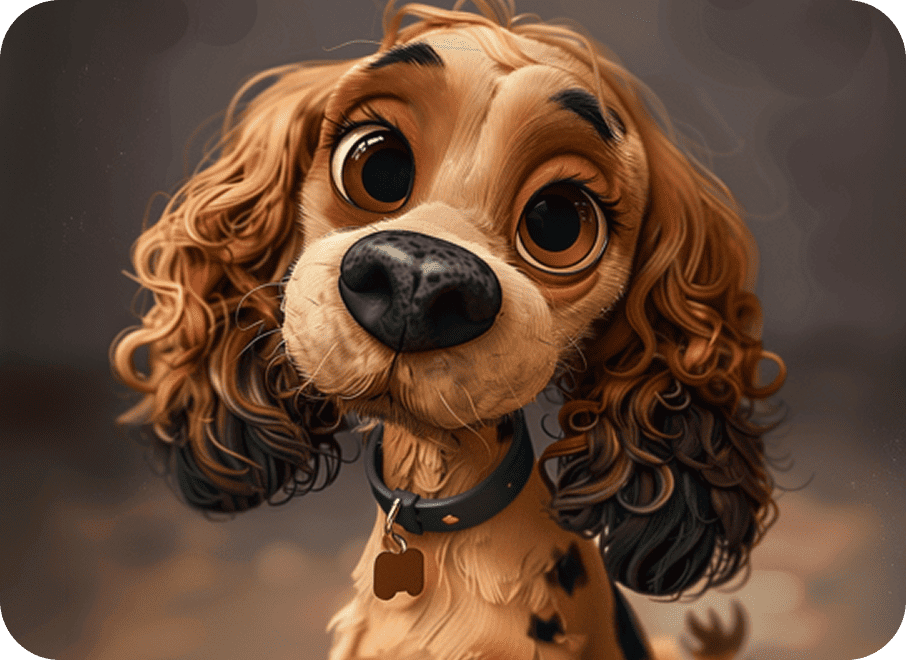
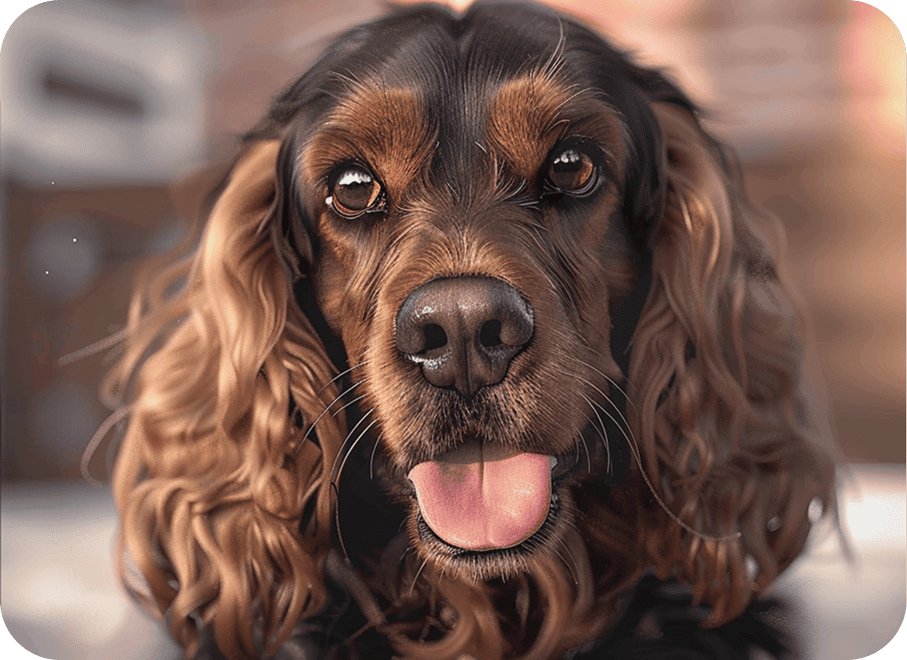
Before & after examples
FAQ
Yes, you can edit it as many times as you want. You can also use precise mask editing (Inpainting) to change specific details, like clothing or objects, without affecting the rest of the image.
You can use our AI Image-to-Image Generator for free with some limits. The advanced AI Image Generator & Editor is available on the PRO plan, with up to 1,500 generations per month.
Yes. All uploads are securely hosted on Amazon Web Services (AWS), one of the world’s most trusted cloud infrastructures. We automatically delete all files from our servers after 30 days. You also have full control and can request deletion of your data at any time.
Absolutely! You retain the rights to the images you generate and are free to use them however you like. We simply ask that you ensure your work respects intellectual property rights and follows our safety standards. For full details, please refer to our Terms of Use.
Unlike most tools that lock you into one system, ChatBox gives you more freedom and flexibility:
- Seamless model switching: Swap between top AI engines anytime without losing your prompts, uploads, or progress.
- Continuous workspace: Start generating on your phone and finish on the web. Your files and chat history stay in sync.
- Advanced styling: Apply instant style presets or upload a reference image to match the look you want.
Certainly! You have full control over the style and artistic direction of your images. Specify details like art style, lighting, color palette, and overall mood to bring your vision to life. ChatBox also offers ready-made prompts and visual AI assistants to help you achieve the exact look you want.